Basic Markdown syntax
Markdown is a lightweight markup language that lets you create formatted text using a plain-text editor. Here's an overview of the basic Markdown syntax.
Headings#
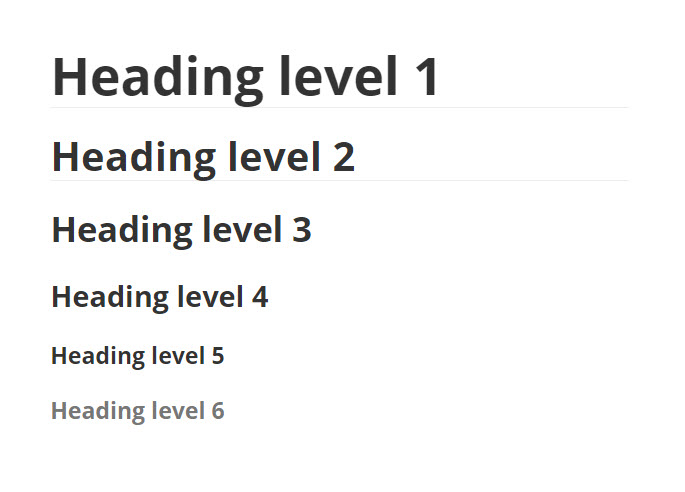
To create a heading, add one or more number signs (#) before a line of text.
Result:#
Paragraphs#
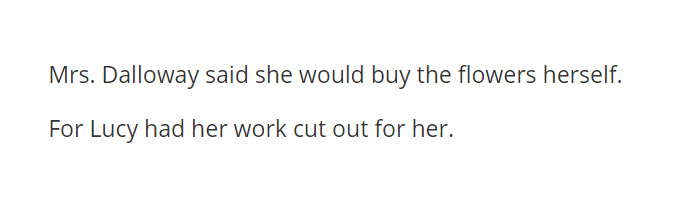
If you want to create paragraphs, separate portions of text with a blank line.
Result:#
Line breaks#
To add a line break, type two or more spaces at the end of the line and press Enter.
Emphasis#
You can add emphasis using asterisks or underscores.
Italic#
For an italic typeface, add one asterisk or underscore before and after a text.
Result:#

Bold#
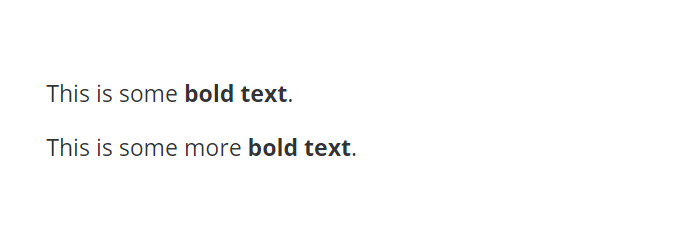
To bold a word or phrase, add two asterisks or underscores before and after the text.
Result:#
Lists#
You can create both ordered and unordered lists.
Unordered lists#
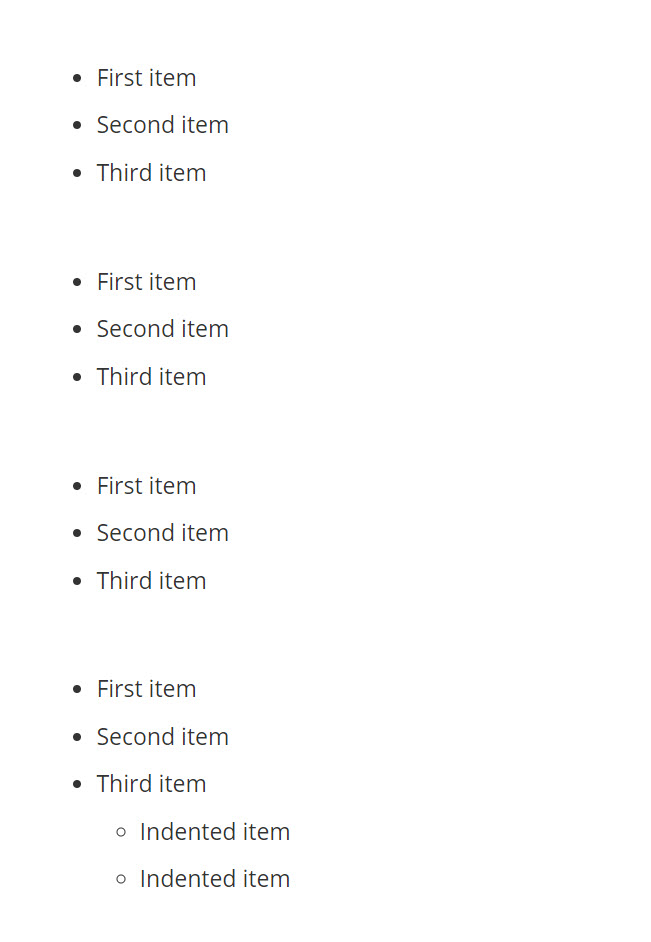
To create an unordered list, start each line with a dash (-), an asterisk (*), or a plus sign (+). You can create a nested list by indenting lines.
Result:#
Ordered lists#
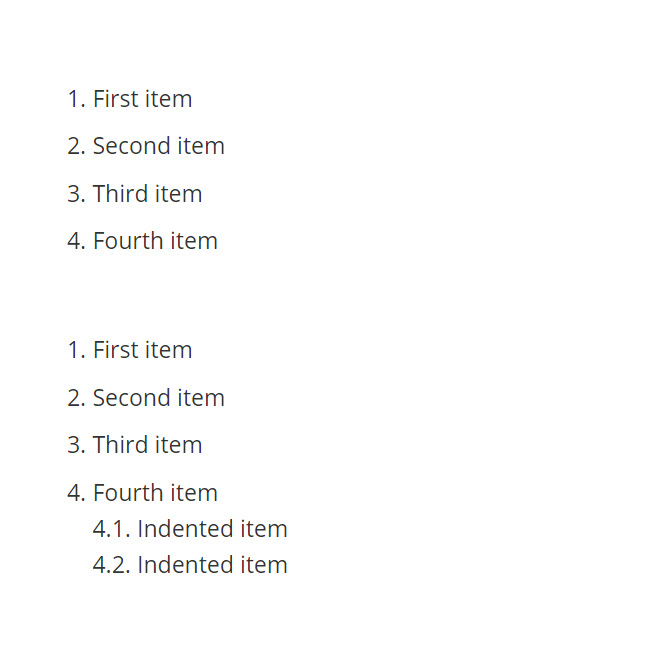
To create an ordered list, start each line with a number followed by a period. You can create a nested list by indenting lines.
Result:#
Links#
If you want to create a link, enclose a text to be displayed in square brackets and follow it immediately with a URL in round brackets.
Result:#

Images#
To add an image, type an exclamation mark (!) and follow it by an alt text in square brackets and the image URL in round brackets.
Result:#

Blockquotes#
To create a blockquote, start a paragraph with a > sign.
Result:#

Tables#
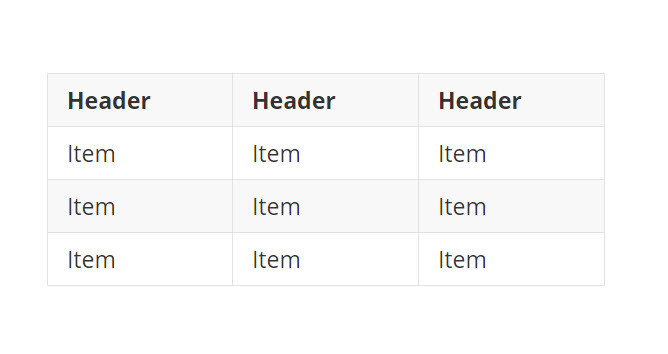
If you want to insert a table, add three or more dashes (-) to create column headers and use pipes (|) to separate each column. Optionally, you can add pipes on either side of the table.
Result:#
Inline code#
You can denote a portion of text as code by enclosing it in backticks (`).
Result:#

Code blocks#
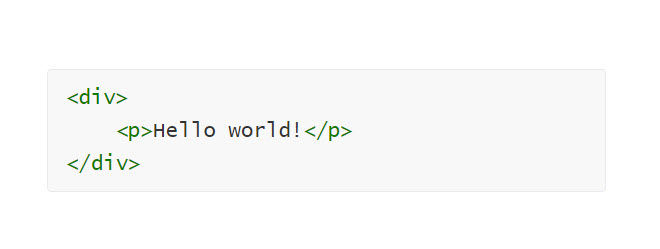
To create a code block, add three backticks (```) on the lines before and after the code block.
Result:#
Resources#
If you want to learn more about Markdown, here are some useful resources: